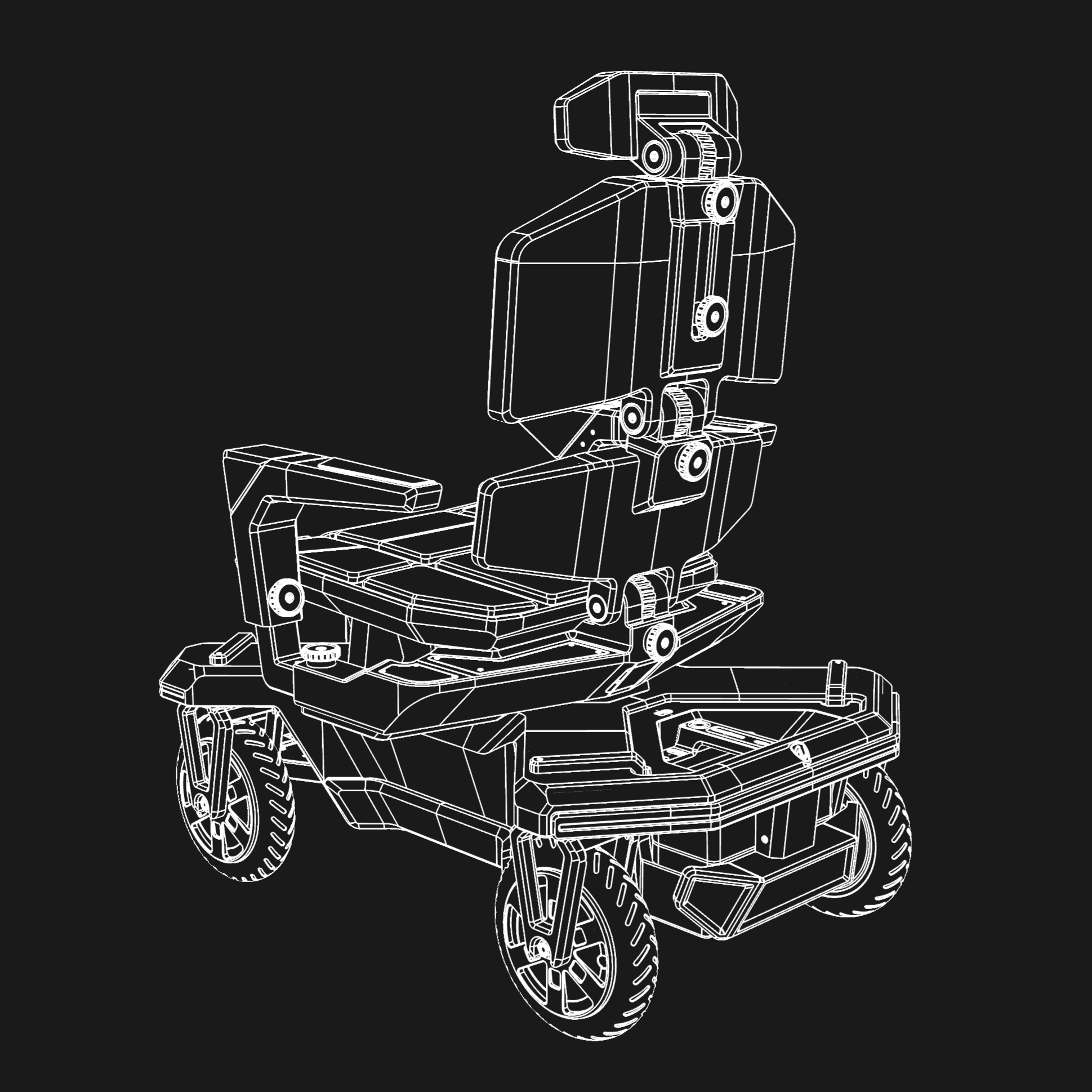
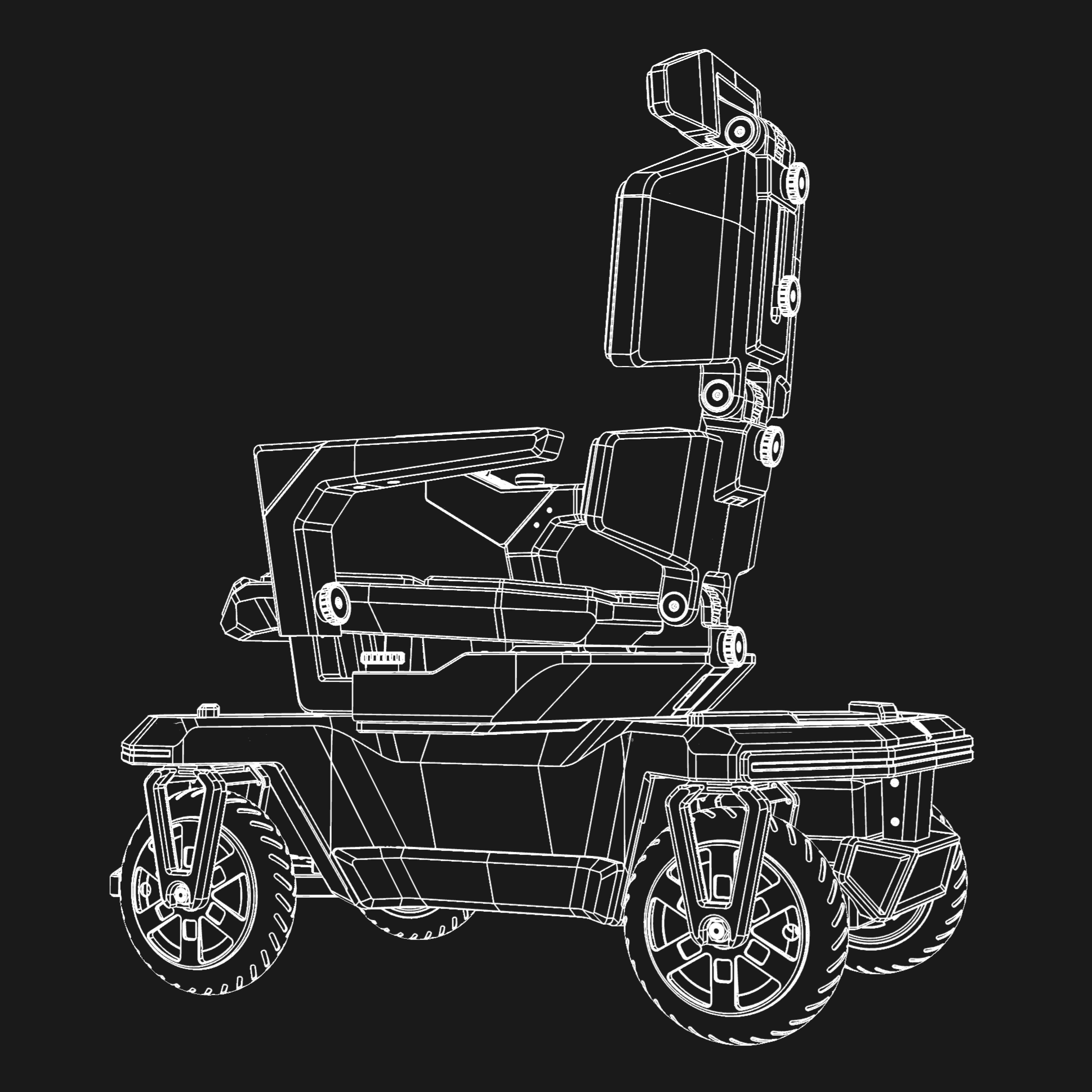
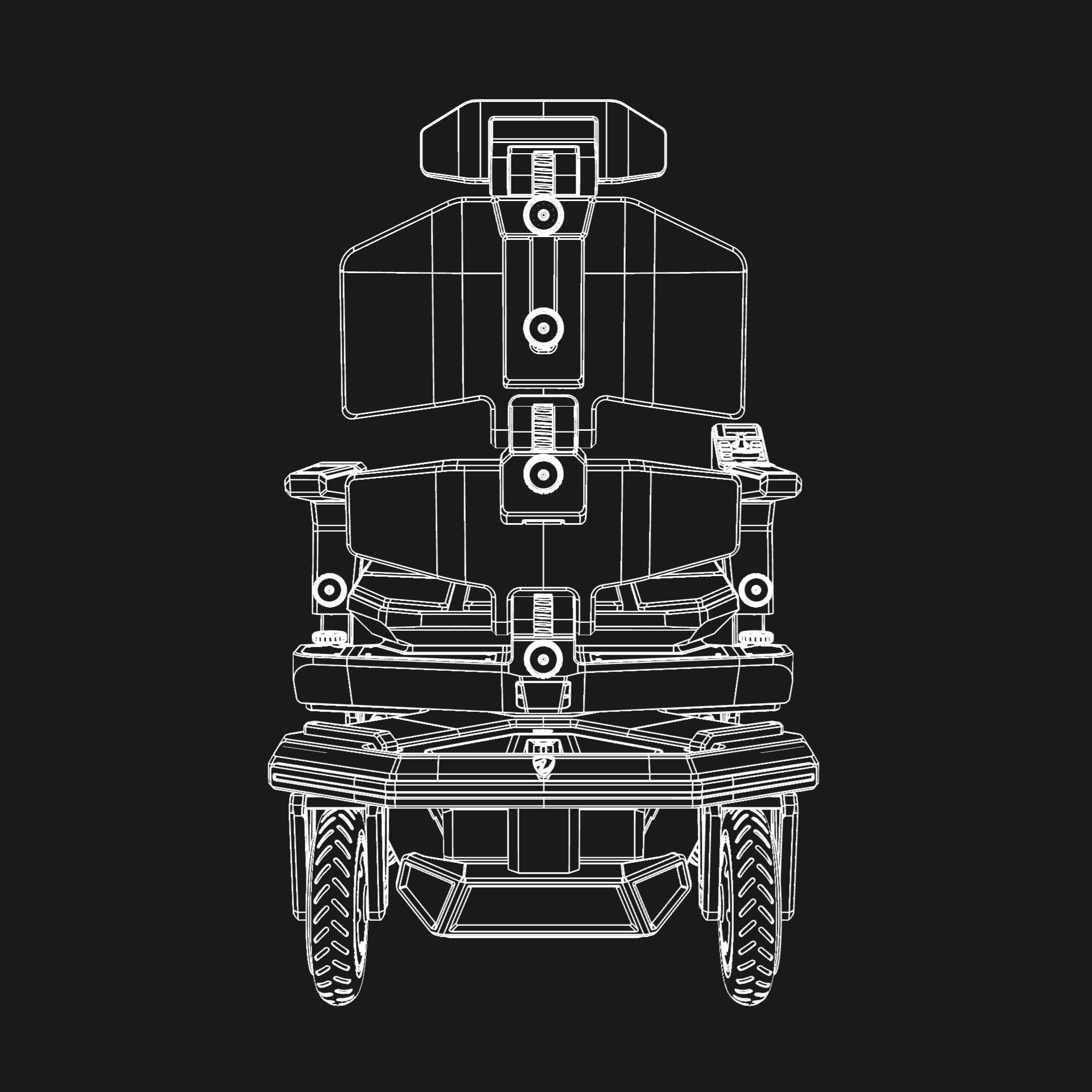
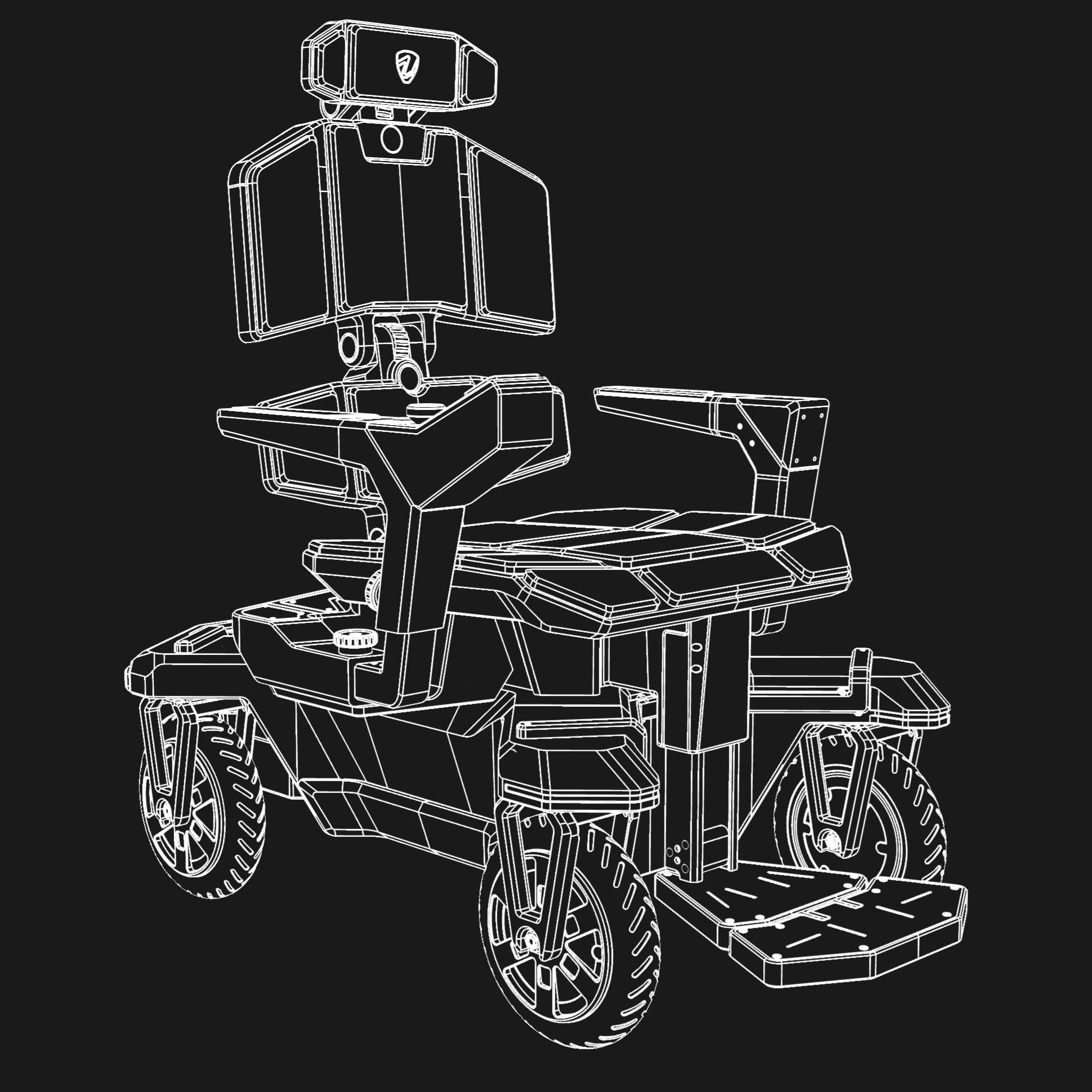
A WORLD-FIRST MOBILITY CONCEPT
EVERY
DIRECTION.
Crab Walk. Spin. Coordinated steering. One wheelchair. More ways to move.
CRAB WALK / SPIN / STEERING

Preparing your experience.
A WORLD-FIRST MOBILITY CONCEPT
Crab Walk. Spin. Coordinated steering. One wheelchair. More ways to move.
CRAB WALK / SPIN / STEERING
VECTOR / GALLERY
Explore Vector Seat
from every side.
A narrow aisle. A precise approach. Move along the counter, then diagonally into place — while your equipment keeps facing the same way.
All four wheels steer in parallel. The platform changes direction without turning its body.
The front wheels steer. The rear wheels stay aligned with the body, taking a wider arc around the island.
The rear wheels steer against the front wheels. The platform follows a smaller turning radius, bringing the U-turn closer.
Advance to the junction. Turn 90° in place and cross the workspace. Turn another 120°, then continue into the next aisle.
Four driven, steerable wheels align around the platform’s centre. The body rotates on the spot, then moves forward on its new heading.
A different way through the same space.
Scroll to discoverSlide through a narrow aisle. Clear the workbench. Move diagonally into place. Your platform keeps facing forward.
Four wheels steer in parallel, moving your equipment without changing where it points.
Watch both platforms turn together. One steers from the front. The other brings the rear wheels into the turn.
Front wheels steer.
A wider turning radius.
Front and rear counter-steer.
A smaller turning radius.
Move forward. Spin 90° at the first junction. Cross the floor, turn another 120°, then continue into the next aisle.
Four driven, steerable wheels rotate the platform around its centre. Every turn sets up the next move.
A flat product view, surrounded by dimensional greenery, brick and concrete. Scroll to explore each movement.
The aisle is too narrow for a turn. All four wheels align sideways, moving the platform between the planters without changing its heading.
Move diagonally through the aisle while the body keeps its heading. Straight travel connects the next movement.
Four wheel directions change together. The platform stays flat.
Follow the curve into the next aisle. Front and rear counter-steer, then straighten for a clean exit.
The wheel angles build and unwind through the turn.
Rotate around the centre, then continue directly into the next straight aisle.
Each wheel follows the tangent around the centre.
Now compare the steering. Standard turns the front wheels. Premium adds rear counter-steering, opening a more compact route to the same destination.
Front steering needs more room in this route. The rear wheels stay parallel to the body as the platform follows the wider approach.
Rear wheels turn against the front, bringing the turn closer. At the same travel speed, less distance means an earlier arrival.
Same start. Same destination. Same travel speed.
Illustrative routes at the same scale and platform travel speed, with a shared destination and a 30° front steering limit. Route lengths refer to this demonstration; they are not measured product performance. The turning-space view shows each platform's swept envelope.
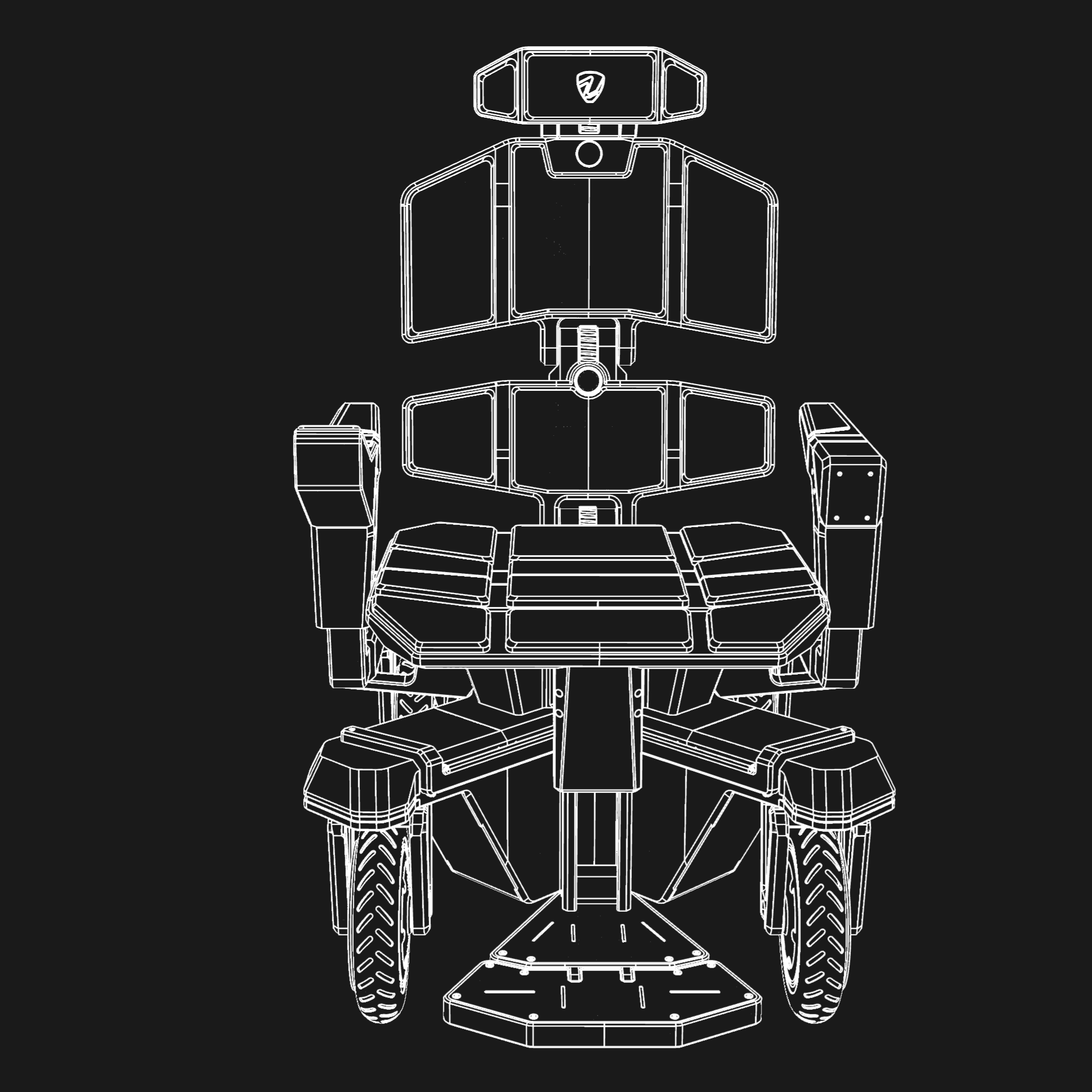
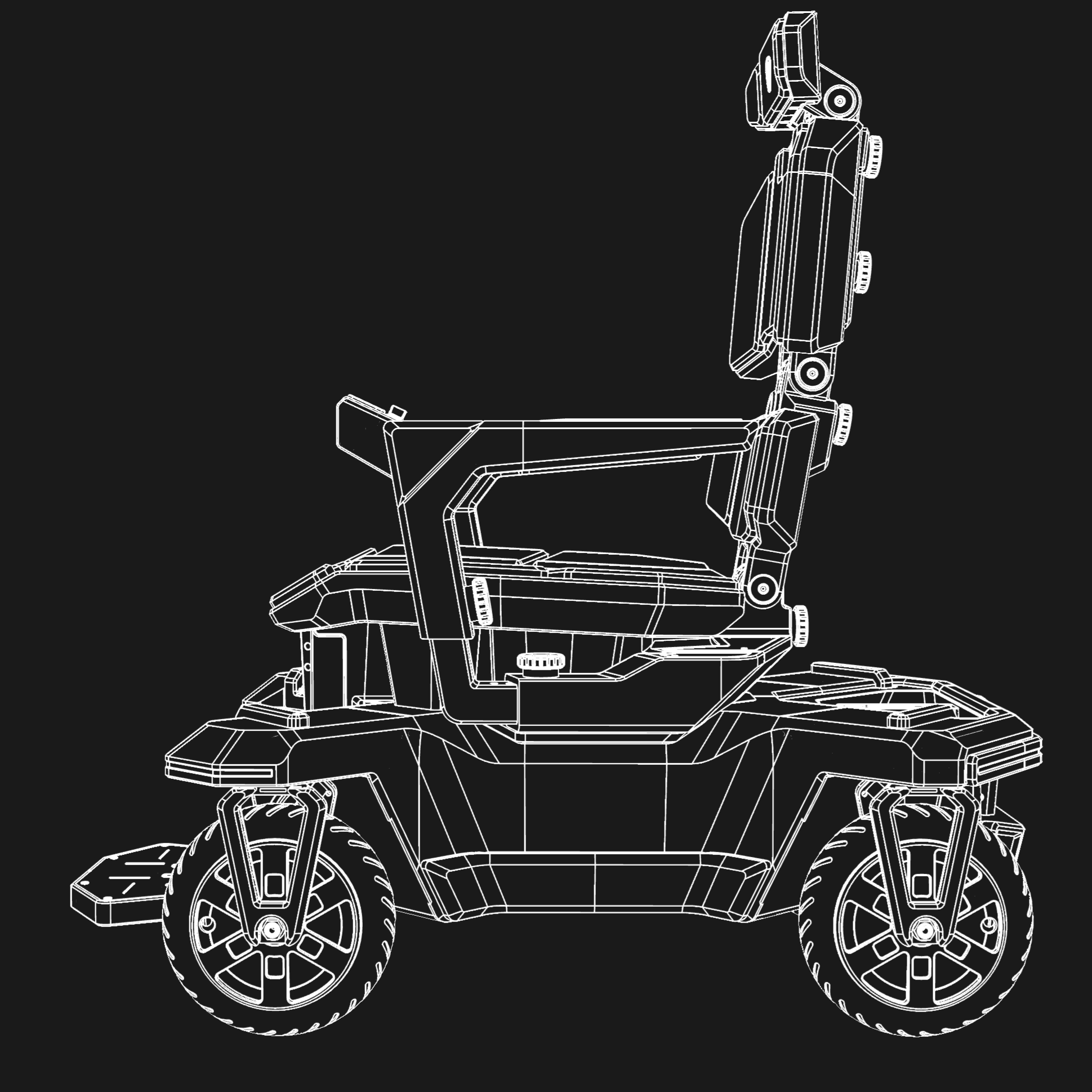
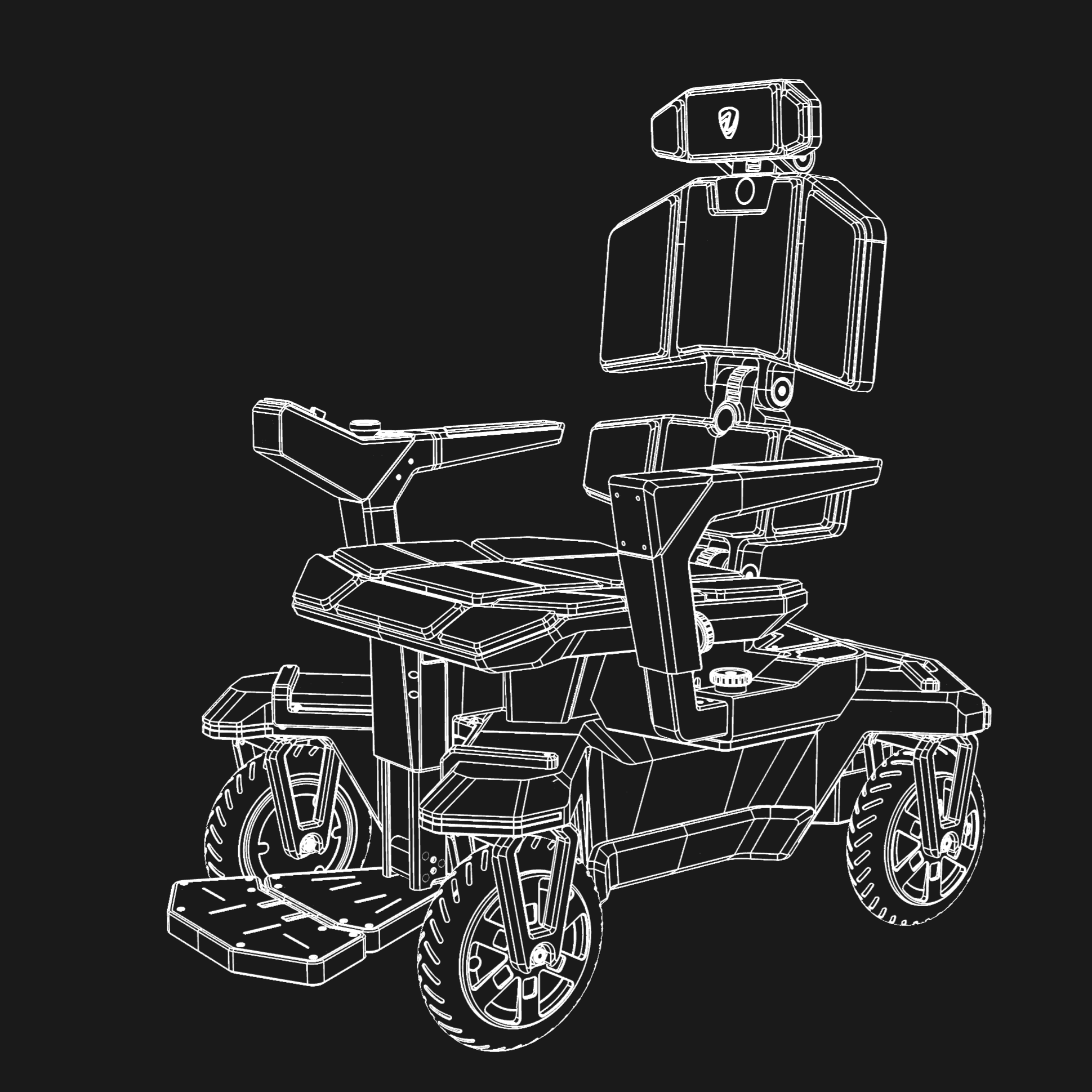
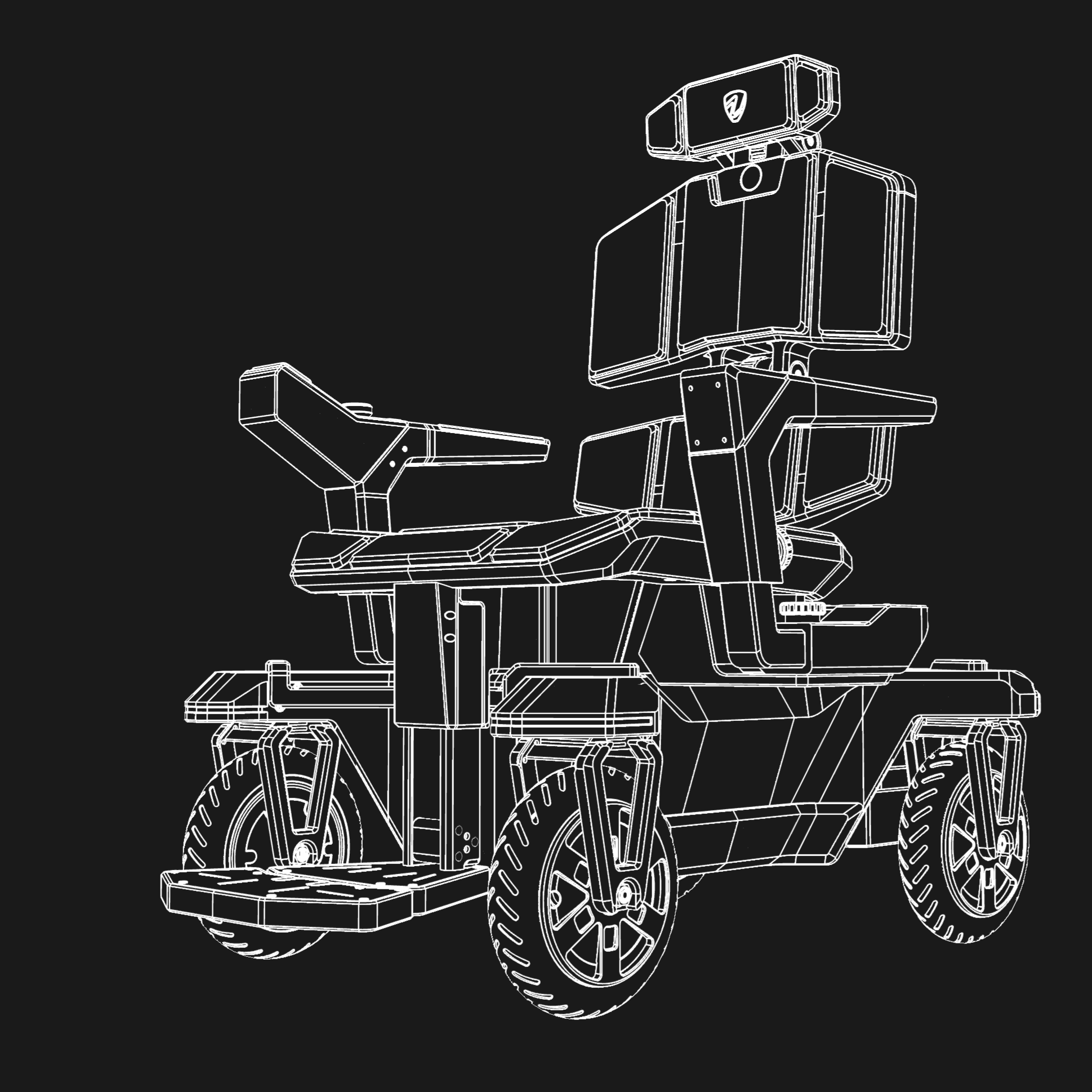
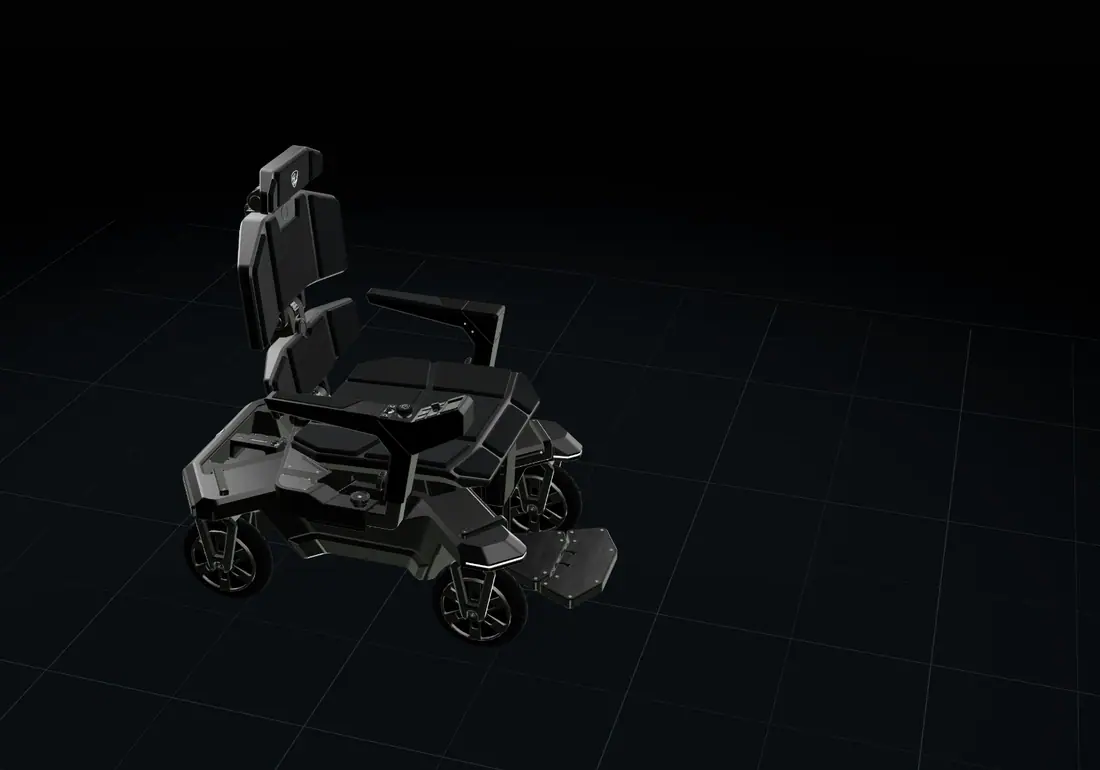
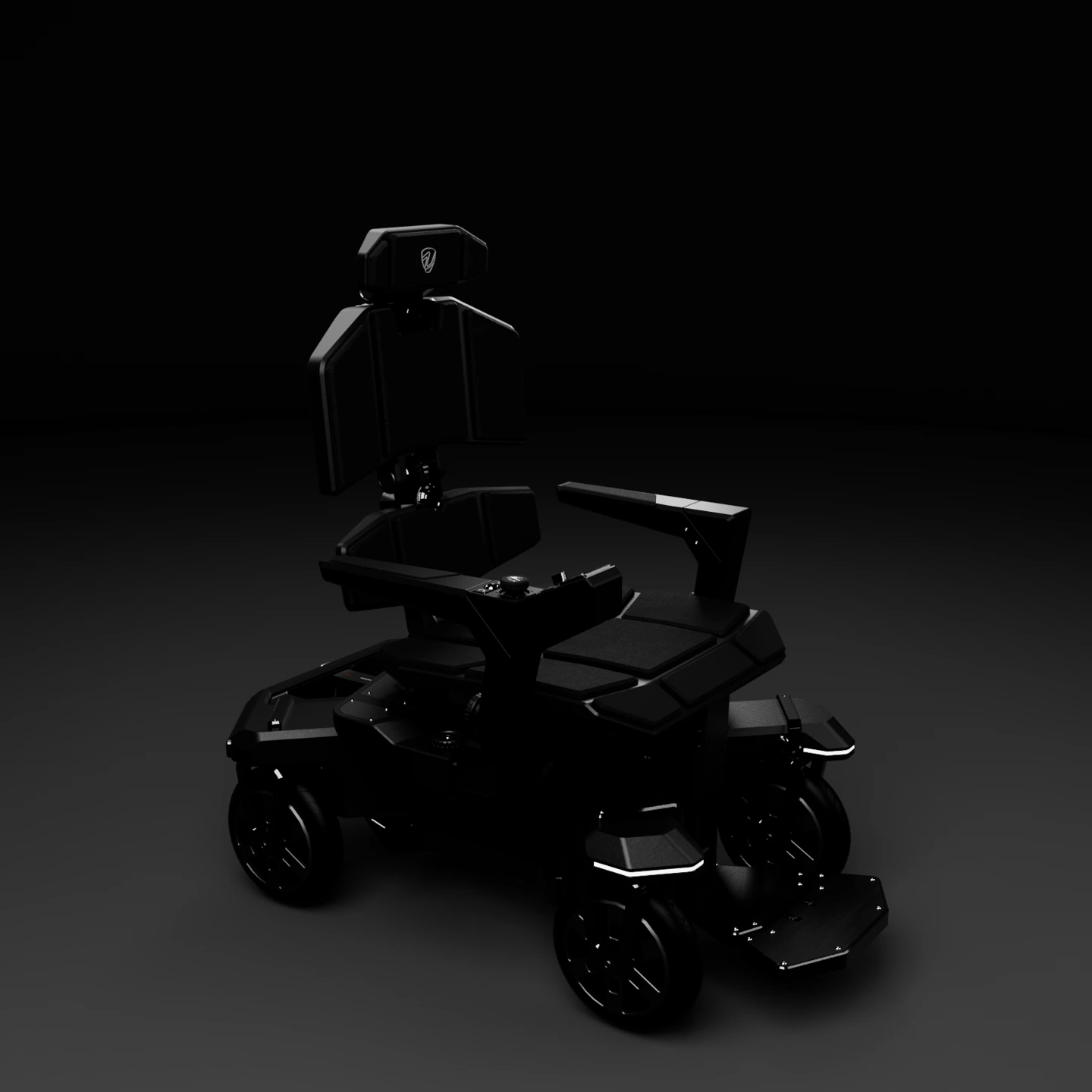
Vector Seat brings a seat, joystick control and a distinctive wheel system together in one wheelchair concept. Choose Core, Plus or Max for the movement capability that suits you. Explore the design, select your finish and request pricing from our team.
Meet Vector Seat in 360°. Find your colour and take a closer look.
Concept visualisation · Explore Vector Seat in your chosen finish.
Explore the seated form, joystick control and movement capabilities of Vector Seat.
A sculpted seat and joystick control come together in a personal mobility concept. Plus and Max add lateral movement while keeping your heading.
Vector Seat. Three levels of movement.
Right turn. A short reverse. Crab Walk. Spin. Each model shows its supported movements.
| Capability | Core | Plus | Max |
|---|---|---|---|
| Driven wheels | 2 | 2 | 4 |
| Steerable wheels | 2 | 4 | 4 |
| Vehicle steering | Front | Front + rear | Front + rear |
| Crab Walk | — | Included | Included |
| Spin | — | — | Included |
Rear wheels drive. Front wheels steer.
Rear wheels drive. Front wheels steer. Rear steering angles stay fixed.
Rear wheels drive. All four wheels steer.
Rear wheels drive. All four wheels steer. Crab Walk repositions the base without changing its heading.
All four wheels drive and steer.
All four wheels drive and steer. Spin changes the heading while the centre of the base stays in place.
| Capability | Core | Plus | Max |
|---|---|---|---|
| Motor-driven wheels | 2 rear wheels | 2 rear wheels | All 4 wheels |
| Steerable wheels | 2 front wheels | All 4 wheels | All 4 wheels |
| Vehicle steering | Basic · front steering, rear angles fixed | Premium · front / rear counter-steering | Premium · front / rear counter-steering |
| Vehicle Mode | Included | Included | Included |
| Crab Walk | Not included | Included | Included |
| Spin | Not included | Not included | Included |
| Movement modes | 1 mode | 2 modes | 3 modes |
| Seat configuration | Seat included | Seat included | Seat included |
| Control interface | Joystick control planned | Joystick control planned | Joystick control planned |
| Custom integrations | Discuss your requirements | Discuss your requirements | Discuss your requirements |
| Speed, range, payload & dimensions | To be confirmed | To be confirmed | To be confirmed |
| Estimated price | To be announced | To be announced | To be announced |
| Availability | In development | In development | In development |
Planned capabilities. Final specifications and availability will be confirmed as development progresses. Vector Seat. Three levels of movement. Choose Core, Plus or Max when requesting pricing.
In development · pricing to be announcedConcept imagery and real prototype evidence have separate galleries. The built-prototype area is ready for actual photos and movement footage.
Physical prototype photos have not yet been supplied for this website. The spaces below are reserved for real evidence, separate from concept renders.
Overall view of the built machine
Awaiting actual photo or footageBase, motors and wheel assemblies
Awaiting actual photo or footageFront and rear steering details
Awaiting actual photo or footageJoystick and control system
Awaiting actual photo or footageCrab Walk / Vehicle / Spin video
Awaiting actual photo or footageBuild process and test documentation
Awaiting actual photo or footageConcept renders communicate design intent. Real prototype documentation will show what has been built and tested.
A small café. A doorway. A place beside a desk. Discover why separating your position from your heading can matter.
Shift from the order point to the pickup point, while continuing to face the counter.
Swipe across the two rooms to compare. Use Step by step for a larger single view.
Create space for a change of heading.
Move while continuing to face the counter.
Crab Walk can move Vector directly along the counter. The conventional example changes its heading to travel sideways, then turns back to face the counter.
Neutral · release to stop
Move the joystick to enter the room. Choose C for a direct side shift.
The conventional example is a generic differential-drive powerchair with fixed drive-wheel directions and swivel casters. It can move forward, reverse, follow curves and pivot. It cannot translate directly sideways while retaining its body heading in this model. Wheelchairs use different architectures; this example is not a claim about every wheelchair.
Core versus Premium compares steering within the Vector family. Both drawings use the same illustrative footprint. Room geometry, sequences and generated backgrounds explain control principles; they are not measured dimensions, elapsed-time comparisons or prototype test evidence. The top view shows the wheel base beneath Vector Seat; the seat is omitted so the wheel movements remain clear.
For context on existing wheelchair configurations, see the manufacturer’s Permobil Wheelchair Handbook ↗.